How to Book a Place to Stay in Seoul with an App (and What to Say at Check-in)
A step-by-step guide to booking your Seoul stay on Airbnb or NOL (formerly Yanolja), from installing the app to saying "I booked under Emma" in Korean, with audio.
Finding a place to stay is usually the first thing you book for a trip to Korea, and the first place you'll speak Korean when you arrive. This guide walks you through both: booking on your phone, then checking in with one simple Korean sentence.
Which app should you use?
| App | Best for | Language |
|---|---|---|
| Airbnb | Apartments and guesthouses; easiest for first-timers | English, works with foreign cards |
| NOL (formerly Yanolja) | Korean hotels, motels and guesthouses, often at local prices | The main app is Korean-first; the English site is NOL World |
Emma's take: if it's your first trip, start with Airbnb. If you're comfortable with a bit of Korean (or want local prices), try NOL World. Yanolja and Interpark renamed their app to NOL in 2025, so you may see both names online.
Step 1. Install the app
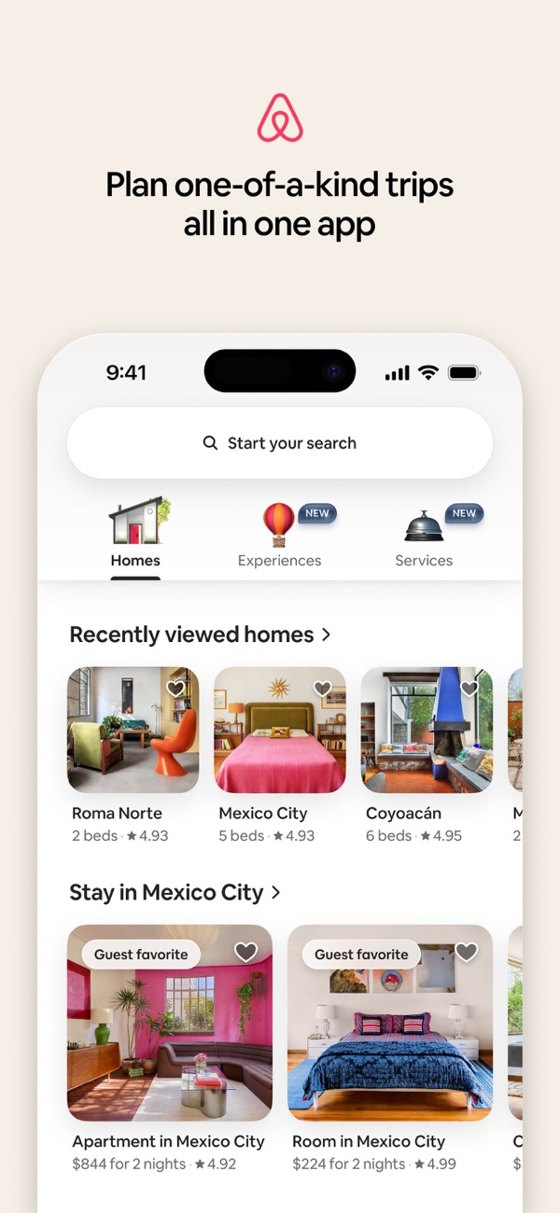
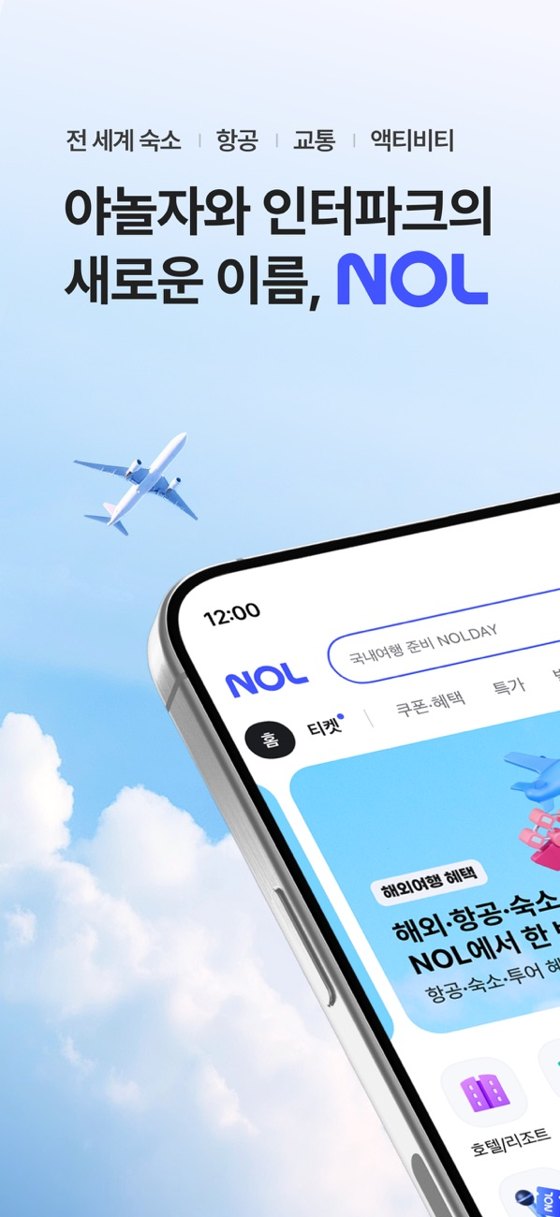
Search for Airbnb or NOL in the App Store or Google Play and sign up with your email. On NOL, some features may ask for a Korean phone number; if that happens, use the English site NOL World instead.
Step 2. Search by area, not just by price
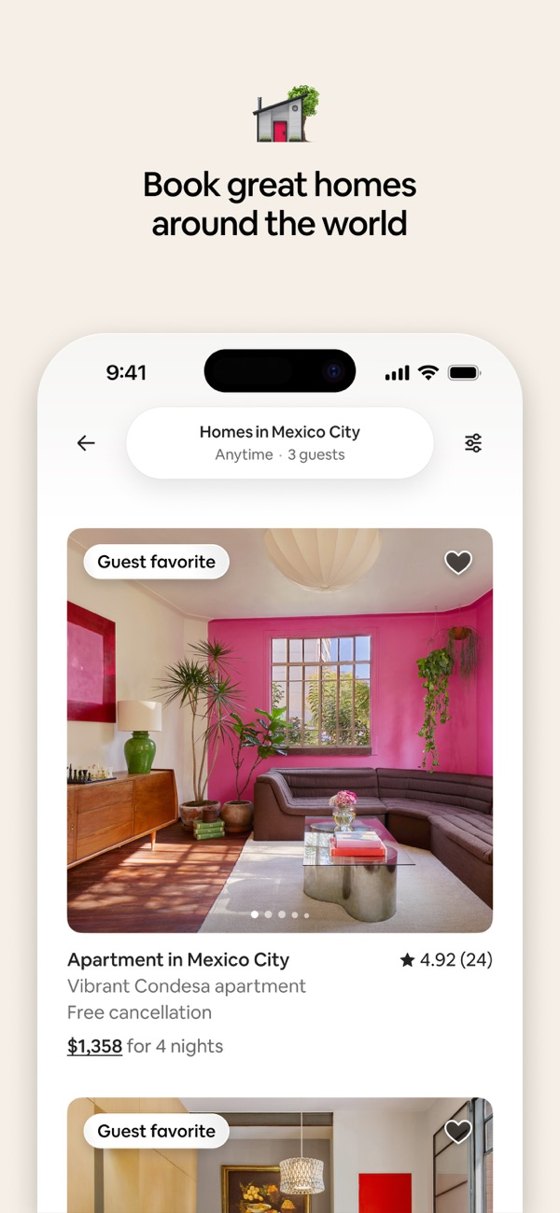
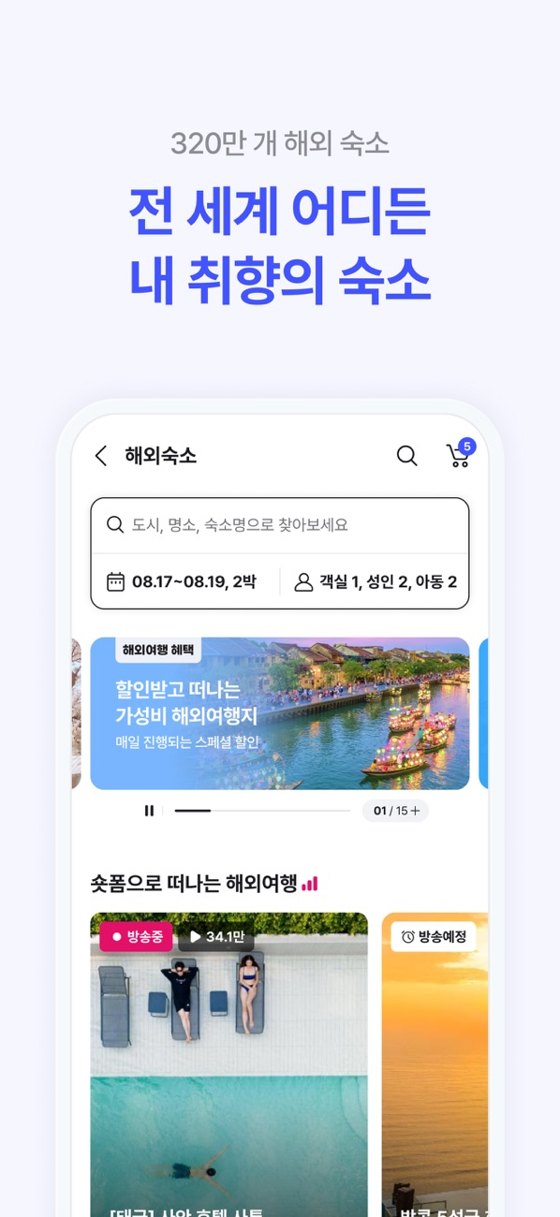
In Seoul, location matters more than anything. Pick a neighborhood near a subway station so every day starts easy. Popular first-timer areas:
- Myeong-dong (명동): shopping and street food, central
- Hongdae (홍대): young, lively, close to the airport railroad
- Jongno / Insadong (종로 / 인사동): palaces and traditional streets
- Seongsu (성수): cafes and pop-up stores
Step 3. Check these 4 things before you book
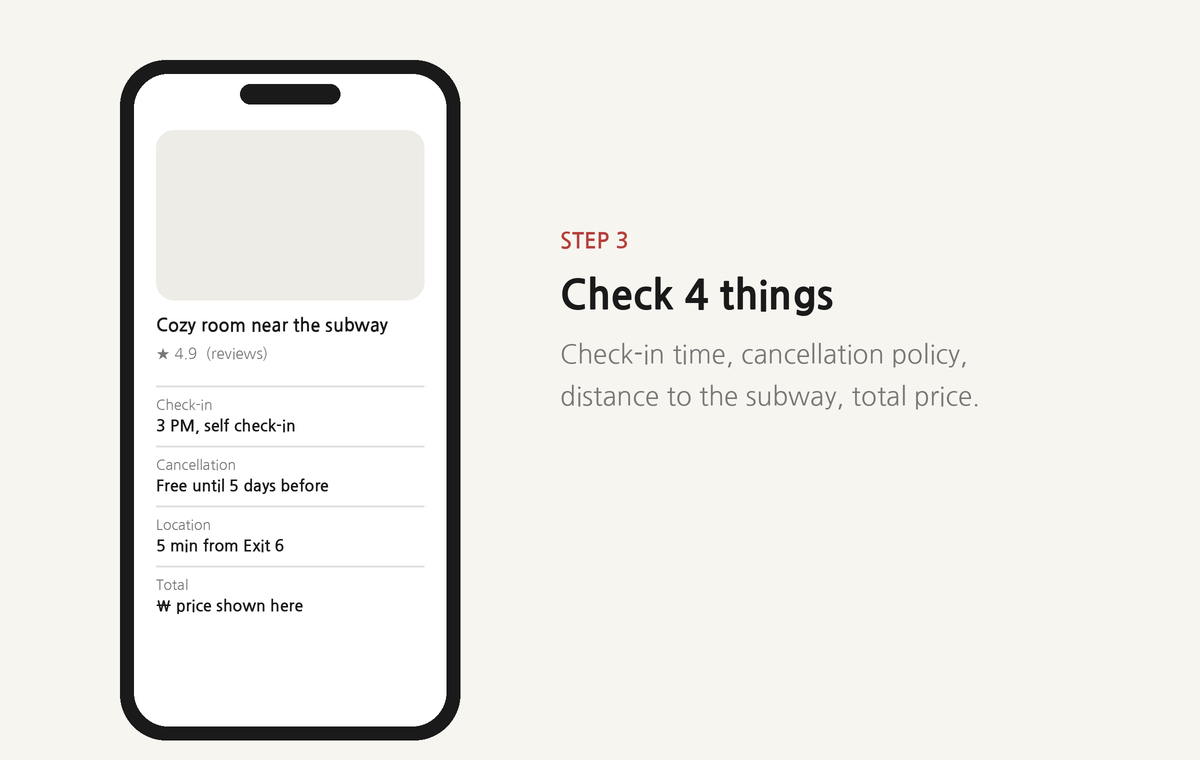
- Check-in time and method: self check-in with a door code, or a front desk?
- Cancellation policy: plans change; free cancellation is worth a little extra.
- Distance to the subway: "5 minutes from Exit 6" is the kind of detail you want.
- Total price: compare the final price including fees, not the nightly rate.
Step 4. Book, then save two things
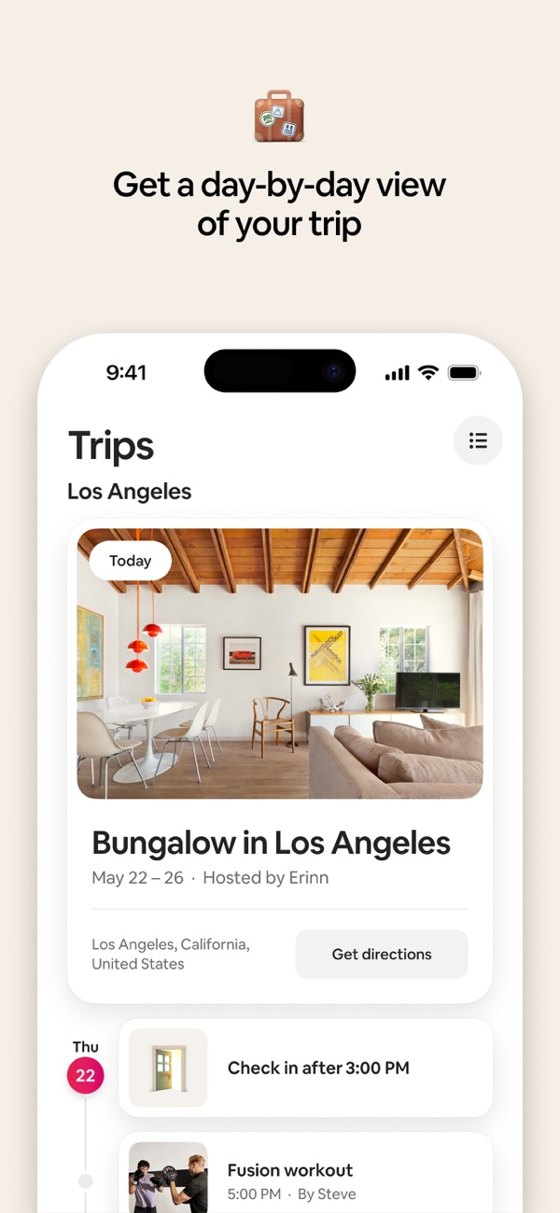
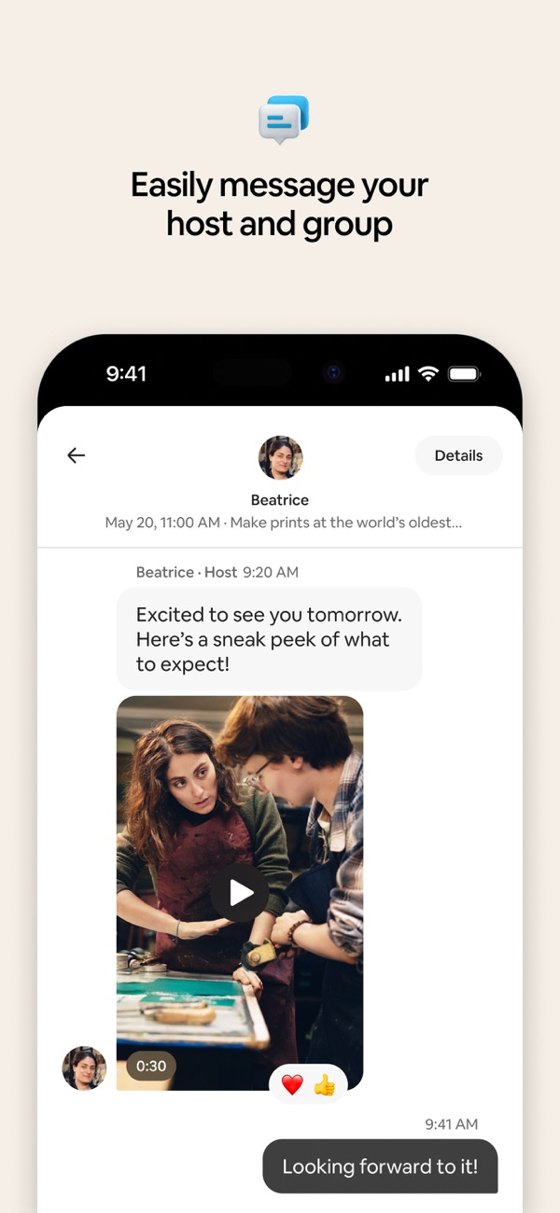
After you pay, you'll get a confirmation in the app. Save:
- The name on the booking. You'll say it at check-in.
- The address in Korean. Taxi drivers and map apps understand it instantly. Ask your host or copy it from the listing.
At check-in: what to say in Korean
Walk up to the front desk, smile, and try these. Tap play to hear each one.
체크인하려고요.
chekeu-in-haryeogoyo "I'd like to check in."
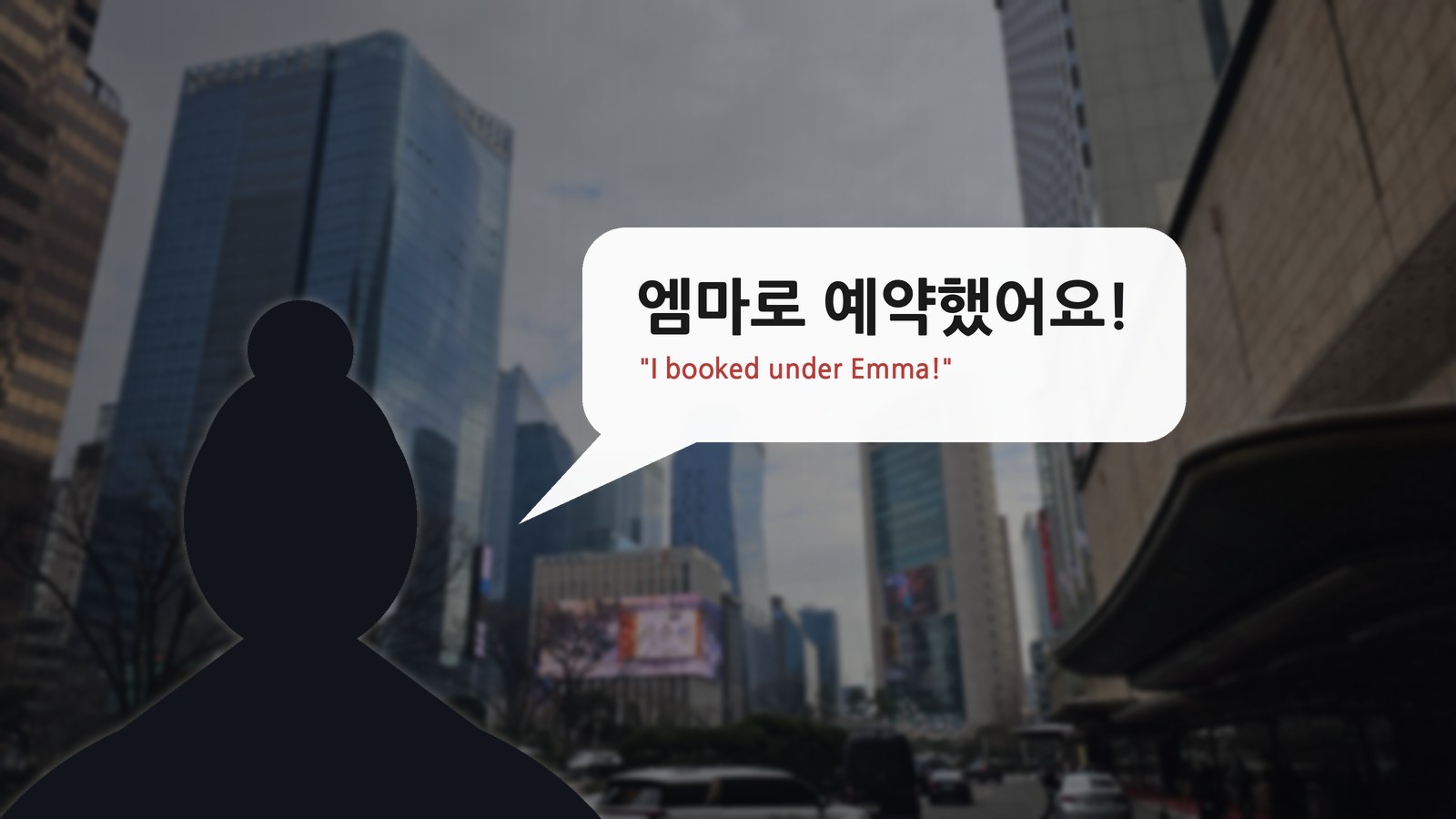
엠마로 예약했어요.
emma-ro yeyak-haesseoyo "I booked under Emma."
여권 여기 있어요.
yeogwon yeogi isseoyo "Here's my passport."
와이파이 비밀번호가 뭐예요?
waipai bimilbeonho-ga mwoyeyo? "What's the Wi-Fi password?"
The first player in each pair is natural speed, the second is slow.
Use your own name
Swap "Emma" for your name. The ending depends on the last sound:
- Ends in a vowel → add 로 (ro): 엠마로 (Emma), 소피아로 (Sophia)
- Ends in ㄹ (l) → also just 로: 다니엘로 (Daniel)
- Ends in any other consonant → add 으로 (euro): 제이슨으로 (Jason)
Sources
- Airbnb, How Airbnb works
- NOL (formerly Yanolja) on Google Play
- NOL World, the English site for stays, tickets and tours in Korea
- App screenshots: official App Store images from Airbnb, Inc. and YANOLJA CO., LTD.
Audio: generated with a Korean text-to-speech voice for pronunciation practice. The checklist screen in Step 3 is a simplified illustration. Apps change often, so check the latest details in each app before you book.
Free download
The Seoul Cheat Sheet
Ten signs, eight cafe words and six travel phrases on two printable pages.
Get the free PDFFrom the author
Learn to Read Korean in 7 Days
A printable, step-by-step workbook that takes you from your very first letter to reading a real cafe menu and Seoul signs. Numbered stroke order, a memory trick for every letter, and real words from Day 1.
See the workbookEmma is a Korean-American who grew up in the US and now lives in Seoul. A marketer by trade, she spent years guiding first-time visitors around Korea and teaching them to read Hangul.